VAS 5051, Connecting and Selecting Functions
VAS 5051, Connecting and Selecting Functions
Test Prerequisites
• Parking brake applied.
• Vehicle voltage supply OK.
• Voltage supply and fuses for particular system OK.
• Ground connections for transmission OK.
- Check ground connections for corrosion and damaged connection, repair as needed.
- Check battery ground (GND) cable and ground (GND) strap between battery and transmission.
Test Procedure
- Switch ignition OFF.
- Connect the vehicle diagnostic testing and information system (VAS 5051) with diagnostic lead VAS 5051/1.
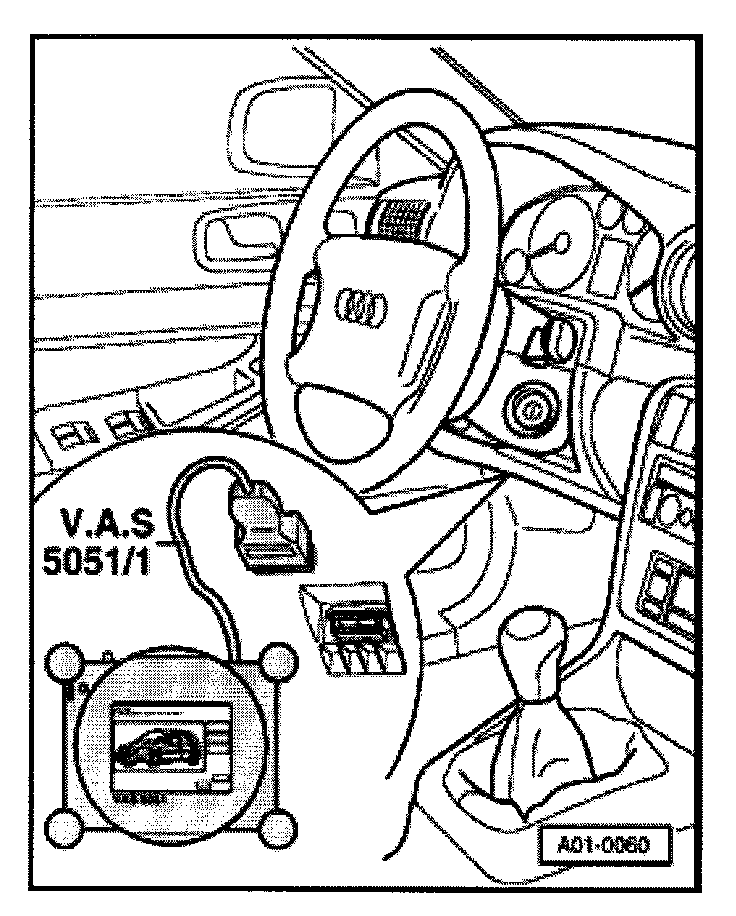
• The Data Link Connector (DLC) is located at the left side knee bolster.
CAUTION!
Please observe safety precautions. Refer to => [ Safety Precautions ] Safety Precautions.
• If an error message appears in the display:
• Refer to => Users Manual for VAS 5051 Vehicle Diagnosis, Measurement and Information System VAS 5051.
Display on vehicle diagnostic testing and information system (VAS 5051)
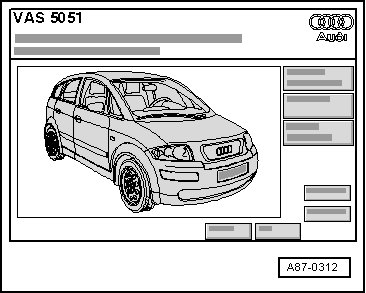
- Touch Vehicle OBD button.
Display on vehicle diagnostic testing and information system (VAS 5051)
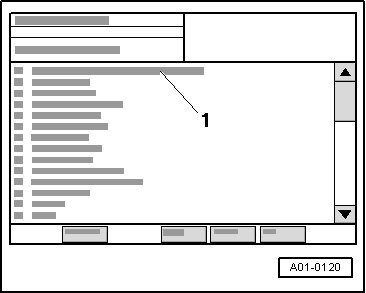
• By touching "00 Read DTC Memory Complete System" in the selection - 1 - the automatic test sequence is performed, i.e. a scan is performed of the DTC memory for all systems in the vehicle capable of OBD.
Depending on the desired function:
- Switch ignition ON.
or
- Start engine.
- In selection - 1 - touch vehicle system "02 Transmission Electronics".
- Wait until next display appears on screen.
Display on vehicle diagnostic testing and information system (VAS 5051):
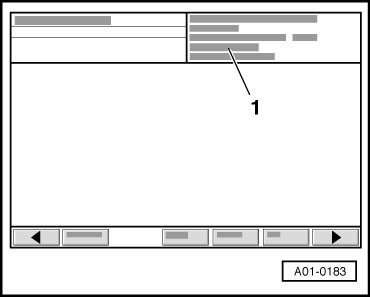
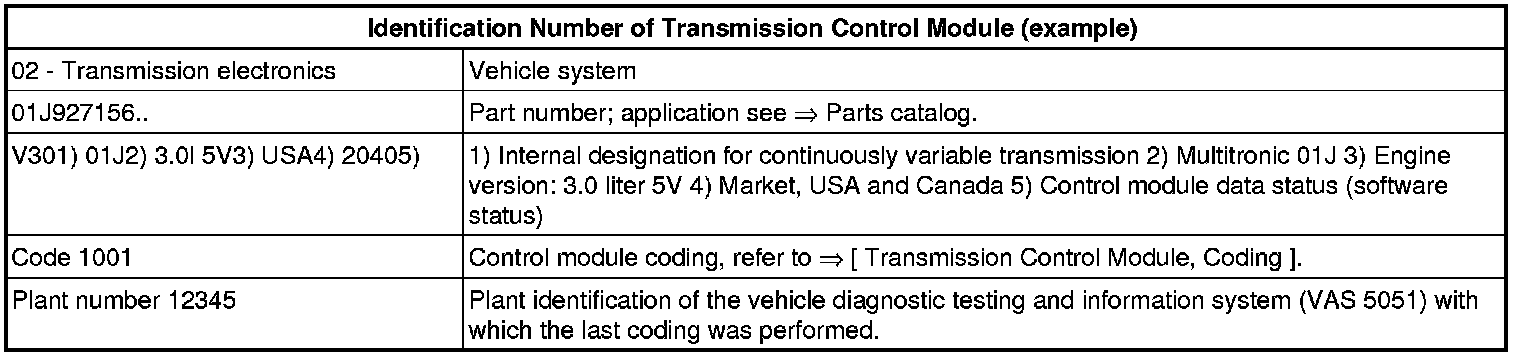
1. Control module identification number of the Transmission Control Module (TCM) (J217).