Head Up Display Switch Replacement
HEAD UP DISPLAY SWITCH REPLACEMENTREMOVAL PROCEDURE
NOTE: Refer to IPC Servicing Notice in Service Precautions.
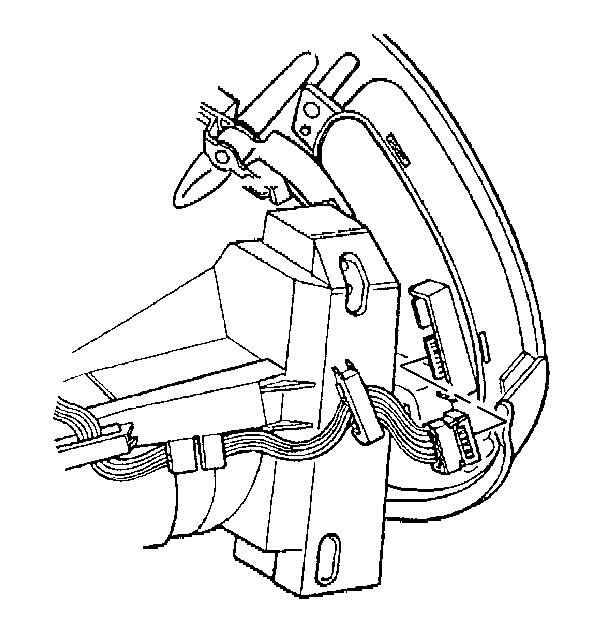
1. Remove the instrument panel cluster (IPC) from the vehicle.
2. Disconnect the instrument panel (IP) dimmer/head-up display (HUD) switch electrical connector.
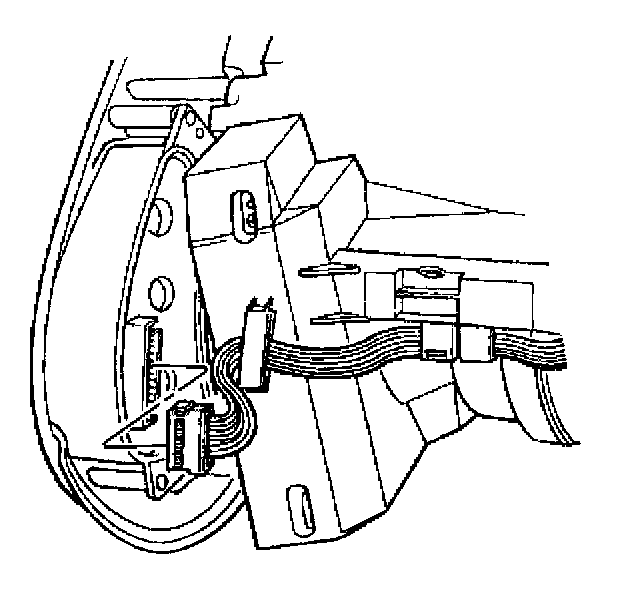
3. Disconnect the driver information center (DIC) switch electrical connector.
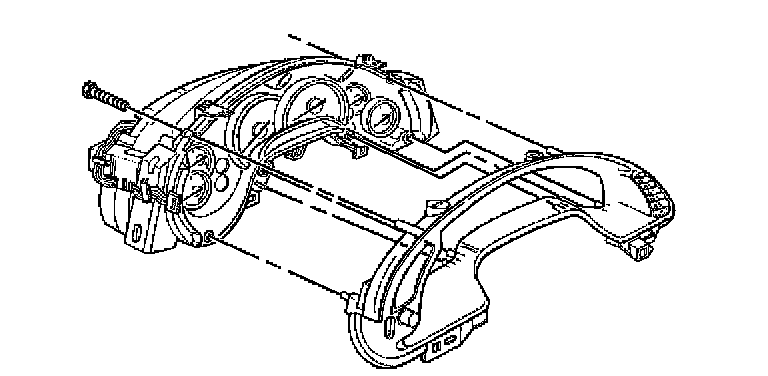
4. Remove the IP cluster bezel retaining screws.
5. Remove the bezel from the IPC.
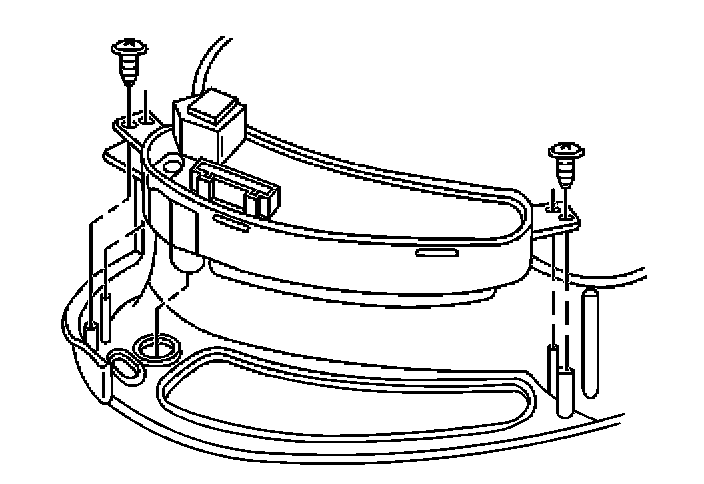
6. Remove the IP dimmer/HUD switch retaining screws.
7. Remove the IP dimmer/HUD switch.
INSTALLATION PROCEDURE
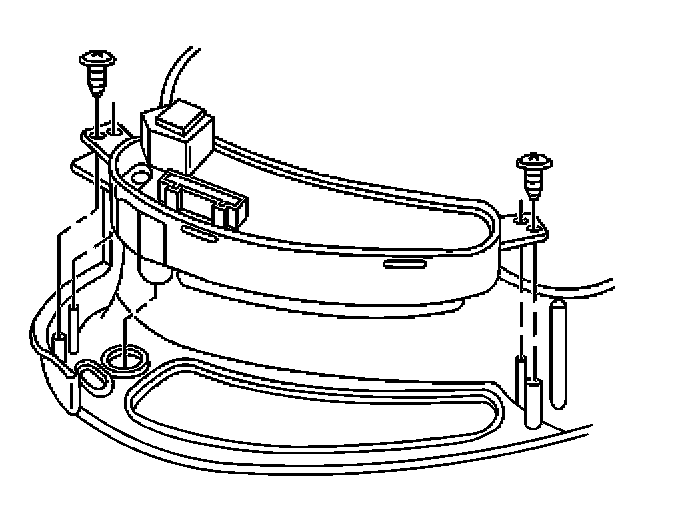
1. Install the IP dimmer/HUD switch to the IP cluster bezel.
2. Install the IP dimmer/HUD switch retaining screws.
NOTE: Refer to Fastener Notice in Service Precautions.
Tighten
Tighten the IP dimmer/HUD switch retaining screws to 1.5 N.m (13 lb in).
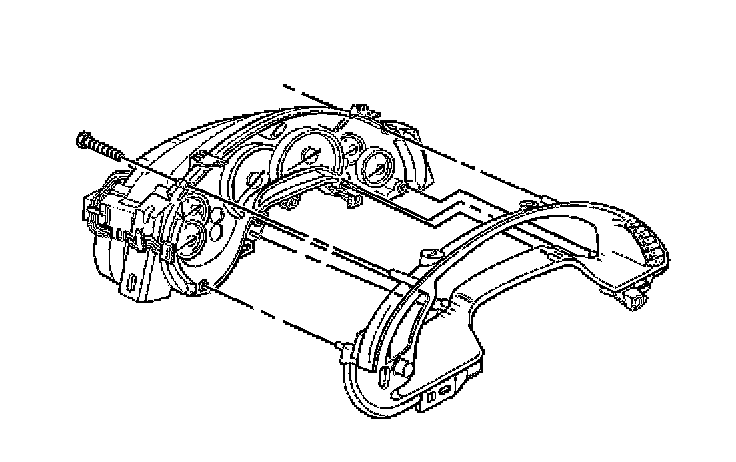
3. Install the bezel to the IPC.
Align the bezel onto the guide pins.
4. Install the IP cluster bezel retaining screws.
Tighten
Tighten the instrument panel cluster bezel retaining screws to 1.5 N.m (13 lb in).
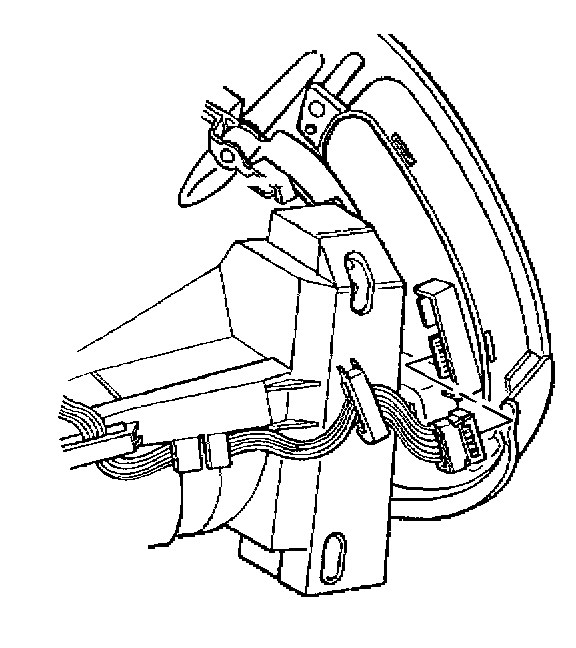
5. Connect the IP dimmer/HUD switch electrical connector.
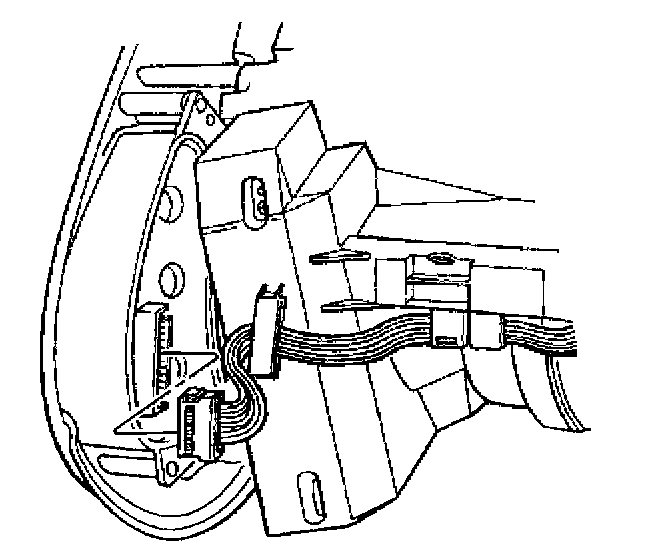
6. Connect the DIC switch electrical connector.
7. Install the IPC to the vehicle.