Heading Mode
"HEADING" MODE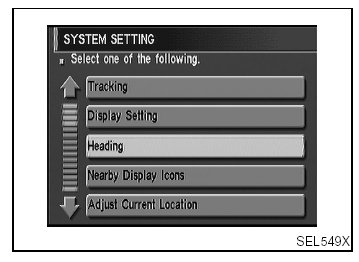
1. Start the engine.
2. Push "OPEN/CLOSE" switch and then open the display.
3. Push "SETTING" switch.
4. Select "System Setting".
5. Select "Heading".
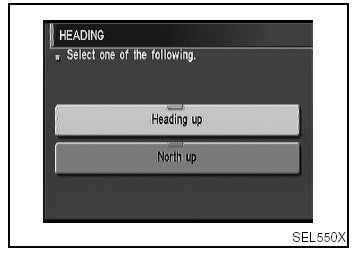
6. Select "Heading up" or "North up" icon.
- To display North up, select "North up".
- To display the car heading up, select "Heading up".
7. Push "MAP" switch, then the display will go back to the current location map.